Welcome to my blog. I'm a blind iOS developer who writes about technology, artificial intelligence, investing, accessibility, and life in general. I use AI as a coding partner and write about what I learn along the way.
All entries are written by me and edited with AI assistance. I'm transparent about the tools I use because I believe AI makes us more capable, not less human.
📰 Subscribe via RSS - For the old school folks who still use feed readers.
Claude Quick Web
April 16th, 2026
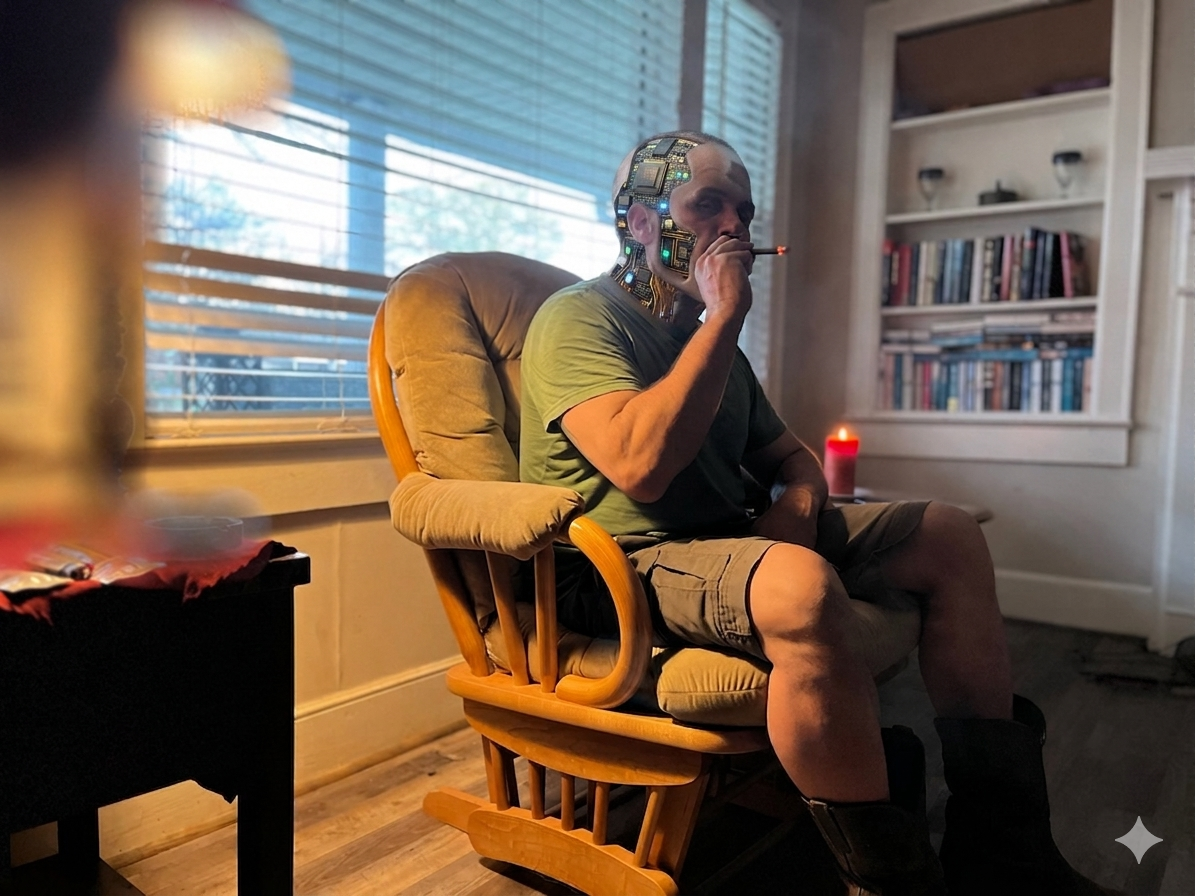
Today I am going to explain how I created my memorial website for my Mom and why.
First of all, let's talk about why. I do not know what happens to you once you die. They tell me I was awfully close to death but even though I was supposedly close, I was conscious for it the entire time. I remember most moments. And the only reason I have forgotten the stuff I have forgotten is because it was 10 years ago and I choose to. I do not know if there is Internet in heaven, I don't know if there are iPads (hopefully, since Steve is there) in heaven, and I certainly don't know if there is Facebook in heaven... but neither do you. I know that my mother enjoyed her iPad and Facebook. I know that she enjoyed serving other people. I know that she gave her life to others. So I just assume she's doing the things I mentioned in my post in heaven. I've had three strokes and I'm awfully lonely. So now I have a place to compose my thoughts and write to my best friend.
So let's talk about how I created it. Everything I wrote, I wrote myself. But AutoCorrect decided to give me some spelling mistakes. I've turned it off now. AutoCorrect in the latest version of iOS 18 seems to be particularly terrible. I am now putting a blank line in between each paragraph. I put five spaces before the beginning of a new paragraph. And I put two spaces after each punctuation mark. I use Claude to help me enforce this and correct any of my own mistakes. Yesterday I allowed it to correct my spelling and I will allow it to again because I'm not perfect. Otherwise, what I wrote was a standard markdown file in the way that I was trained to write letters on old DOS computers in the keyboarding lab of my high school. On my website I used a monospaced font, to simulate the pattern of a typewriter or a dot matrix printer like we used back in the day. A monospaced font is a font that uses the same width for every character, including punctuation. It allows all the characters to line up and look like a typewriter. Facebook does not use a monospaced font, which is another reason I like to put stuff on my own website. I saved this file as a markdown file on my website. Markdown is just a slightly formatted plain text file. This is the datas source for my letters.
Claude for the Win
I used the standard Photos app on the iPhone to export the pictures of my mother and her handwriting to a directory on my web server that is so easy to create using FE File Explorer. Id renamed the files to obvious names so Claude would know what they were. I then used the Voice Memos app to export the voicemail from my mother that I had saved so long ago from the Phone app to my web server using the same methods.
I then took a screenshot of the location of the markdown file and the media files. This is so Claude would know the exact file names and paths. It would know the capitalization, etc.
Then in one prompt I simply told Claude exactly what I wanted. At the top of the webpage I wanted a link back to my main site. I wanted the background to be deep purple (Purple was Mom's favorite color). I wanted a white monospaced font to display the markdown file. I told it I wanted a media player underneath the link back to my main site that played the voicemail. I wanted a gallery of the photos to be displayed in a small format that, once you tap on them, they fill the screen, with a close button to shrink the photos back to a small size. It added buttons to go forward and backward through the pictures. I wanted a share sheet and an optional save button so that people could download the pictures if they wanted, or share them with other people. I explained the structure to it. And I asked it to return an index.php file that would be the actual webpage with all of these attributes. I told it not to say anything else, so I could just copy and paste the entire response without worrying about any extraneous stuff. Once I submitted the prompt, it responded within a few seconds with the page it created. I copied and pasted this response into a file called index.php on my web server at the appropriate place. Also, I did tell it what type of page I was creating and gave it some details about my mother. Technically I could've probably done all of this with the free version of Claude, but one of the advantages to paying for it is being able to just go back-and-forth if I need to without worrying about message limits. But because I have developed such good skills at telling Claude the information it needs and feeding it the information it needs — the screenshots, etc. — it did it with one prompt. So in the timeframe of a few hours I was able to create the entire thing, from start to finish.
I can add additional letters to my mother to the directory where I am storing the initial markdown file and they will flow on the page just like my blog page does. I don't know that I would have ever been able to do this based on the knowledge I have on my own. It would have taken a LOT more time. So this is how I did what I did, and how artificial intelligence is changing how quickly you can accomplish things with a simple web server now. I pay $6.24 a month for my web server space. I plan to pay for this for the rest of my life. It gives me a place to develop things and ideas very quickly using artificial intelligence. So again, Claude for the Win!
Originally written by B. on April 16th, 2026. Simple editing and correction by Claude. Image generation by Google's Gemini. Spelling assistance by Alexa Plus.
If you enjoyed this, please share. It is the easiest way to support me.